










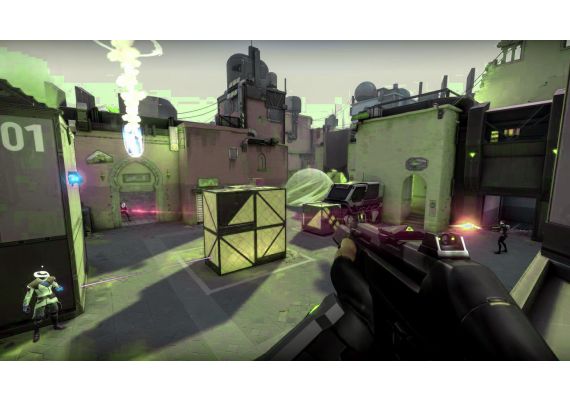



VALORANT 149 PHP PH CD Key

Parameters
| Parent SKU | KHM0AEPRF |
|---|---|
| Product Type | Gift cards |
| Languages | English |
| Region | Asia |
| Release Date | 2020-06-02 |
Description
The prepaid card grants the equivalent number of VALORANT Points. Customize your VALORANT experience based on your personal style! Unlock Weapon SkinsWhen you ace the enemy team, make sure they know you’re doing it in style. Weapon skins are designed to be cosmetic only and do not provide a positive or negative gameplay advantage. Unlock New AgentsFind your playstyle with one of VALORANT’s 11 different agents at launch – unlockable by completing in-game contracts or purchasing them with VALORANT Points.
How to Activate
How to Redeem Your VALORANT Gift Card & Activate VP Codes
Follow these simple steps to redeem your VALORANT Points (VP) purchased from Kinguin and add them to your Riot Games account instantly.
Step-by-Step Activation Process:
- Launch & Login: Open the VALORANT game client on your PC and sign in to your Riot Games account. Ensure you're logging into the correct account where you want the points credited.
- Access the Store Menu: In the top navigation bar, locate and click the VALORANT icon (typically found to the right of the "Store" tab). This opens the main menu dropdown.
- Select Redemption Option: From the dropdown menu, choose "Prepaid Cards & Codes" (or "Redeem Code" in some client versions).
- Enter Your Code: Carefully type or paste your unique gift card code into the provided text field. Codes are typically 16-20 characters (alphanumeric).
- Confirm Redemption: Click the "Submit" or "Redeem" button to process your code.
- Verify Balance: Your VALORANT Points (VP) should appear immediately in your account balance. You can check this in the upper right corner of the client or within the Store section.
⚠️ Important Notes & Troubleshooting:
- Region Lock: Ensure your Riot account region matches the region of the gift card purchased. Mismatched regions will result in redemption errors.
- Case Sensitivity: While most codes are case-insensitive, we recommend entering them exactly as provided (avoiding extra spaces).
- One-Time Use: Each code can only be redeemed once. Do not share your code with others before redemption.
- Platform Availability: VP redeemed are available immediately for purchasing battle passes, skins, and other in-game content.
- Issue Resolution: If your code shows as "Invalid" or "Already Used," please contact Kinguin Support immediately with your order number for assistance.
???? Pro Tips:
For the best experience, we recommend redeeming your code immediately after purchase. VALORANT Points never expire, so you can redeem now and spend later during your favorite skin bundles or new agent releases!
Customer Reviews
Be the first to review this product!