









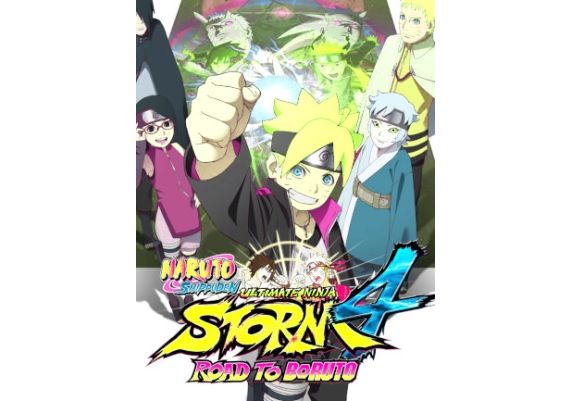
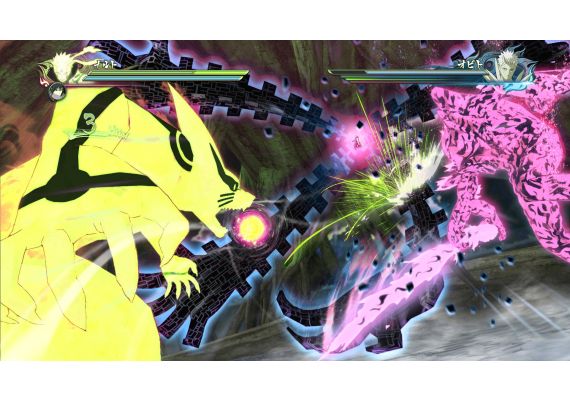
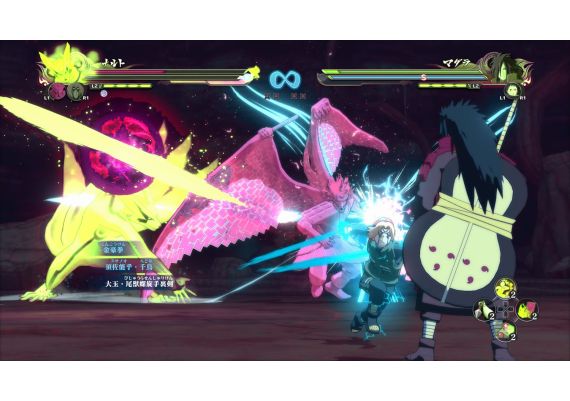
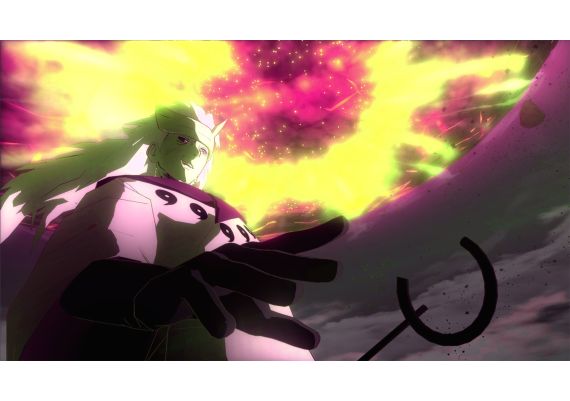
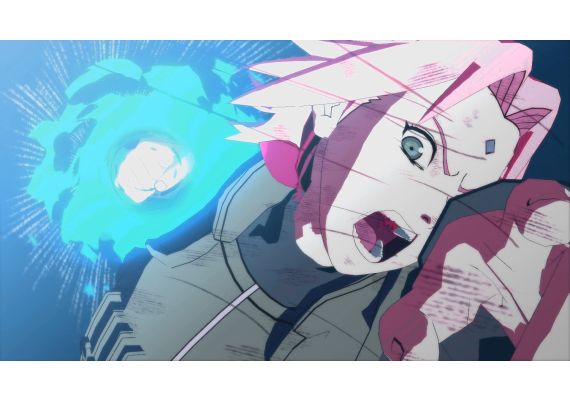
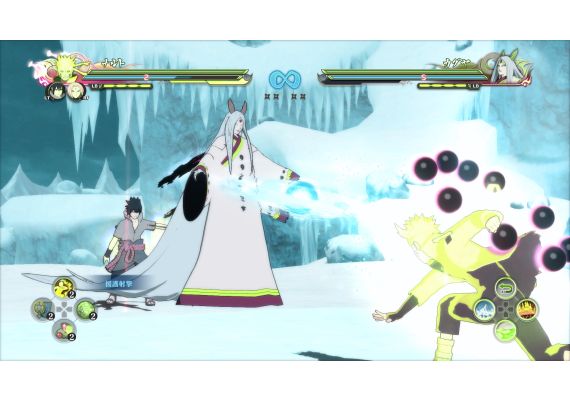
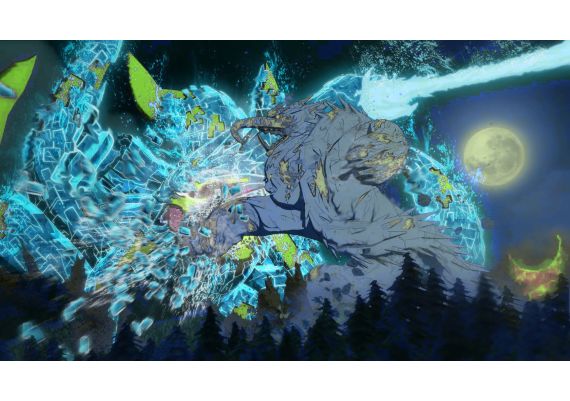
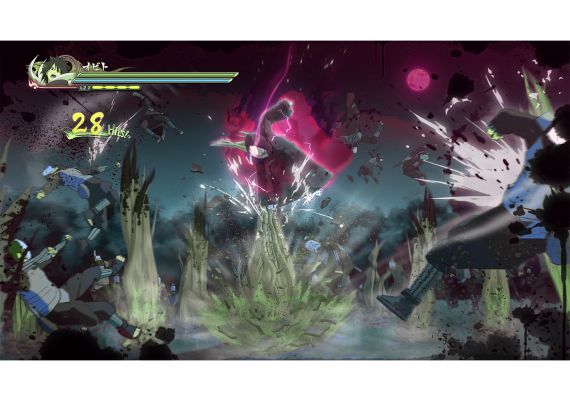
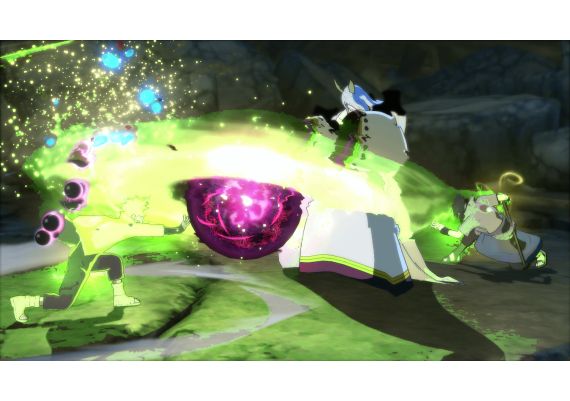


NARUTO SHIPPUDEN: Ultimate Ninja STORM 4 Road to Boruto (PC) - Steam Key - GLOBAL

Parameters
| Parent SKU | K343J39WX |
|---|---|
| Languages | Arabic, English, French, German, Italian, Japanese, Polish, Russian, Spanish |
| Edition | Celebration |
| Platform | Steam |
| Region | Global |
| Release Date | 2017-02-02 |
Description
How to Activate
Steam Key Activation Guide: How to Redeem Your Game Code
Redeeming a Steam CD key is the fastest way to add new games to your digital library. This step-by-step tutorial explains how to safely activate a Steam product code purchased from Kinguin, K4G, or any authorized digital marketplace using the official Steam desktop client.
Step 1: Sign In to the Steam Client
Launch the Steam application on your Windows, Mac, or Linux computer. Log in with your existing account credentials. If you are new to Steam, download the client from the official website and create a free account before proceeding with the activation process.
Step 2: Open the Product Activation Menu
Locate the "Add a Game" button in the bottom-left corner of the Steam interface. Click it to reveal a dropdown menu, then select "Activate a Product on Steam..." to open the official product registration wizard.
Step 3: Accept the Subscriber Agreement
Review the Steam Subscriber Agreement presented in the activation window. Click "Next" to confirm your acceptance and proceed to the key redemption screen.
Step 4: Enter Your 25-Character Activation Code
Carefully input your Steam activation key into the provided field. The code typically follows this format: XXXXX-XXXXX-XXXXX. We strongly recommend copying and pasting the key directly to avoid common typing mistakes with similar-looking characters (e.g., the letter O and the number 0, or the letter S and the number 5). Click "Next" to continue.
Step 5: Complete Activation & Install
Once Steam verifies your code, it will display the game title bound to that key. Click "Finish" to finalize the process. The game is now permanently added to your Library. Simply locate the title and click "Install" to begin your download.
⚠️ Important Activation Notes
- Regional Restrictions: Many Steam keys are region-locked. Always verify that the CD key you purchased is compatible with your country or Steam store region before attempting activation.
- One-Time Redemption: Each product key can only be activated once. After successful redemption, the game is permanently tied to your Steam account and cannot be transferred to another user.
- Use Official Channels Only: Always redeem codes directly through the official Steam desktop client or the steampowered.com website. Never use unauthorized third-party tools.
- Key Security: Do not share your unused Steam keys or account login details with others to prevent unauthorized redemption.
???? Troubleshooting Common Errors
- Duplicate / Already Used: If you receive an error stating the key has already been redeemed, contact the marketplace support team (e.g., Kinguin or K4G) immediately with your order ID and proof of purchase.
- Invalid Key: Double-check for extra spaces at the beginning or end of the code. Ensure all characters are entered exactly as provided, including hyphens.
- Region Locked: A geographic restriction error means the key is not valid for your current location. Do not use a VPN to bypass this, as it may violate Steam's Terms of Service. Instead, request a replacement from the seller.
- Missing Content: If your purchase included DLC, season passes, or in-game items, check the DLC section on the game's Library page. Restarting the Steam client can also help refresh your content.
Need Further Assistance? If your key still does not work after following this guide, please reach out to the customer support team of the store where you made your purchase, or visit the official Steam Support Center for additional help.